If you’ve ever had to take a tablet away in the middle of a game, you know screen time can end in tears. There’s no perfect number of minutes that makes that easy. What helps is a plan the whole family knows, made ahead of time, so the hard decisions aren’t made in the middle of a game. This guide is a simple plan for kids 4 to 8. It isn’t medical advice: if you’re worried about your child, ask your pediatrician.
What pediatricians suggest now
The American Academy of Pediatrics (AAP) released new recommendations on children and digital media in January 2026. Its advice for families doesn’t set one number of hours for every child. Instead, it suggests making a Family Media Plan and thinking about media through the 5 Cs:
- Child: who your child is, and how they react to media.
- Content: what is worth their attention.
- Calm: how they calm down and fall asleep, without a screen always being the answer.
- Crowding out: what screens might push aside, such as play, time outside, sleep and family time.
- Communication: talking about media early and often.
The AAP’s page on how to make a family media plan gives example rules. They include screen-free zones at the dinner table and before bed, one screen at a time, and turning off autoplay and notifications. It also suggests choosing apps and shows without lots of ads, and planning other things to do so screens don’t crowd them out. The plan below follows those ideas.
A simple plan in five parts
1. When: give screens a regular time
Pick the times screens fit into your week, and keep them steady: a while after school, a slot on weekend mornings, or long trips. A regular time is easier to keep than a decision made fresh every day, and a child can see it coming. The AAP’s advice for preschoolers says much the same: keep screens for regular times of day or long journeys, rather than for any moment of boredom.
2. Where: keep some places screen-free
Choose a few places with no screens at all. The dinner table and bedrooms at bedtime are the usual two. A charging spot outside the bedroom makes the bedtime rule easy to keep, for grown-ups too. Some families add the car on short trips, to talk or look out of the window.
3. What: choose things that make, think or move
Not all screen time is the same. Drawing, a puzzle or a game played together is a different thing from a video that plays the next video by itself. Look for apps and games with no ads, with an ending, and with something for your child to do rather than only watch. If an app keeps pulling your child back with rewards for coming back, it’s fine to say no to it.
4. Together: play along sometimes
Sit with your child for part of the time, and ask them to show you a level. For school-age children, the AAP suggests watching shows and playing games together to see what messages they carry. Talking about what’s on the screen is part of the 5 Cs too.
5. How it ends: plan the stop
For many families, the hardest part is the end. A few things make stopping easier:
- Give a heads-up. “Two more mazes, then it’s time for lunch.”
- Stop at a natural end. The end of a level, a picture or a game is easier than the middle.
- Have the next thing ready. A snack, a walk or a box of crayons gives your child somewhere to go.
- Stay calm and keep it short. Give one reminder, then stop kindly and firmly, without a long discussion.
The AAP also suggests not reaching for a device every time a child is upset or bored. That’s a hard one on a long day, but a hug, a song or a few slow breaths are worth trying first.
Make it a family plan
Write the plan down, keep it short and put it where everyone sees it. Include the grown-ups: the AAP points out that parents are important role models for healthy digital habits. The AAP suggests looking at the plan again at the start of a school year or during holidays, as children grow. Its Family Media Plan tool helps you make one.
Tools that help, in Little Paper and on your device
The Little Paper app for iPhone and iPad has no ads and no accounts, and its settings sit behind a grown-up check. A few of them help with a plan:
- A break reminder. In Grown-ups › Play, you can pick a reminder after 10, 20 or 30 minutes (it’s off until you choose). A gentle “Stretch time!” note then waits on the home shelf. It doesn’t interrupt a drawing or a game.
- Calmer effects. Also in Grown-ups › Play, this softens celebrations and cuts back motion that’s only for decoration. The app also follows the device’s own Reduce Motion setting.
- Guided Access. Apple’s Guided Access keeps an iPhone or iPad in one app, and it can set a time limit too. Grown-ups › Help links to Apple’s steps.
- No internet needed. Everything works offline, so it plays on a plane or in the car. Only buying Little Paper Pro needs a connection.
For limits across the whole device, Apple’s Screen Time lets you choose how long apps can be used and when.
Swap some screen time for paper
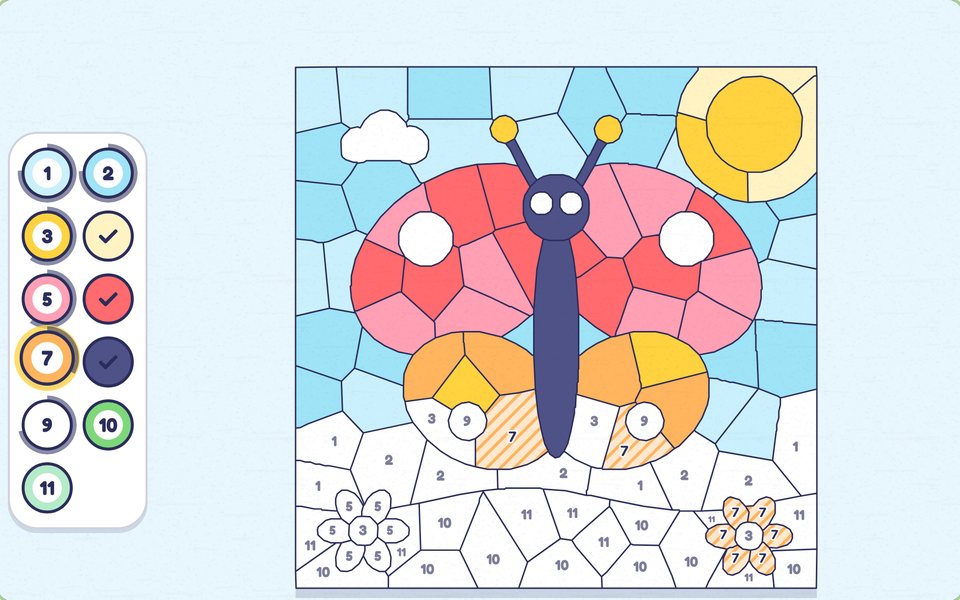
Not every puzzle needs a screen. The web games on this site print onto A4 or US Letter paper. There are mazes with their answers, dot to dots with a picture to color, and color by number pictures with their color key. They’re free, with no ads or sign-up. A printed maze at the table or in a waiting room is a small, screen-free way to fill a gap.
Our guides to printable mazes and counting with dot to dots have tips for choosing the right level, and tic-tac-toe needs only a pencil and a friend.
The plan on one page
- When: a few regular times each week, and long trips.
- Where not: the dinner table, and bedrooms at bedtime.
- What: things that make, think or move, with no ads.
- Together: a grown-up plays along sometimes.
- The stop: a heads-up, a natural end and the next thing ready.
- Check in: at the start of the school year and in the holidays.