Mazes
Draw a path to the star.
Paused
You did it!
Doodle wants to reach the star. Put your finger on him and draw the way through the maze. Walls only stop him, so there are no wrong moves, and every dead end might hide a treat. When you like a maze, print it and do it again with a pencil.
How to play
Touch Doodle.
Put your finger on Doodle at the way in. With a mouse, click and hold.
Draw the way.
Slide along the paths. Doodle follows and leaves a crayon line. Walls just stop him.
Find the star!
Wrong way? Walk back over your line to rub it out. Treats hide in the dead ends.
Controls
- Touch
- Drag Doodle along the paths, or tap a spot a few steps ahead. Touch your line to go back to that spot.
- Mouse
- Click and drag Doodle, or click a spot ahead of him.
- Keyboard
- ↑ ↓ ← → or W A S D walk to the next turn. H shows the way. P or Esc pauses.
Three sizes
- Easy
- 6 by 5 squares with a few turns, for about age 4. Doodle shows the way if you wait.
- Medium
- 9 by 7 squares, with more places to choose. Good for ages 5 and 6.
- Hard
- 14 by 9 squares and lots of dead ends, for ages 7 and 8.
Every maze has one way to the star. Finish one and the next is ready: the mazes never run out.
Four places to explore
Mazes to print
Print a maze on A4 or Letter paper, with its answer on a second sheet if you like. The printer button above the game prints the maze on screen.
Easy maze
For about age 4. A few turns.
Medium maze
For ages 5 and 6. More ways to go.
Hard maze
For ages 7 and 8. Lots of dead ends!
What kids practice
- Planning ahead. Looking down the paths before choosing which way to go.
- Hand control. Moving a finger, or a pencil on paper, along a path without crossing the lines.
- Trying again. A dead end is just a place to turn around, and sometimes there’s a treat in it.
For grown-ups
Mazes has no ads, no accounts and no trackers. Finished mazes and treats are saved only in this browser on this device. Sound stays off until your child turns it on with the speaker button. Every maze is made from a number, so the same maze comes back each time and prints exactly as it looks.
Like drawing paths? In the Little Paper app, Drawbridge trail has kids draw a road to roll a seed home to its nest.
Questions
Are these mazes free?
Yes. Play as many mazes as you like in the browser, and print them too. There are no ads, no sign-up and nothing to download.
Which maze size is right for my child?
Easy mazes are small, with only a few places to choose, for children of about 4. Medium suits most 5- and 6-year-olds, and Hard is for confident 7- and 8-year-olds. Children can switch sizes at any time.
Can I print the mazes?
Yes. The printer button above the game prints the maze on screen, with Doodle at the start. Below the game there are mazes to print with their answers. Each fits on one page, A4 or Letter.
What if my child can’t drag?
Tapping works too: tap a spot on the paths a few steps ahead and Doodle walks there. On a keyboard, the arrow keys move him from turn to turn, and the light bulb button shows the next few steps.
More to play

Doodle dino run
Jump the rocks. Grab the stars!
Run · Free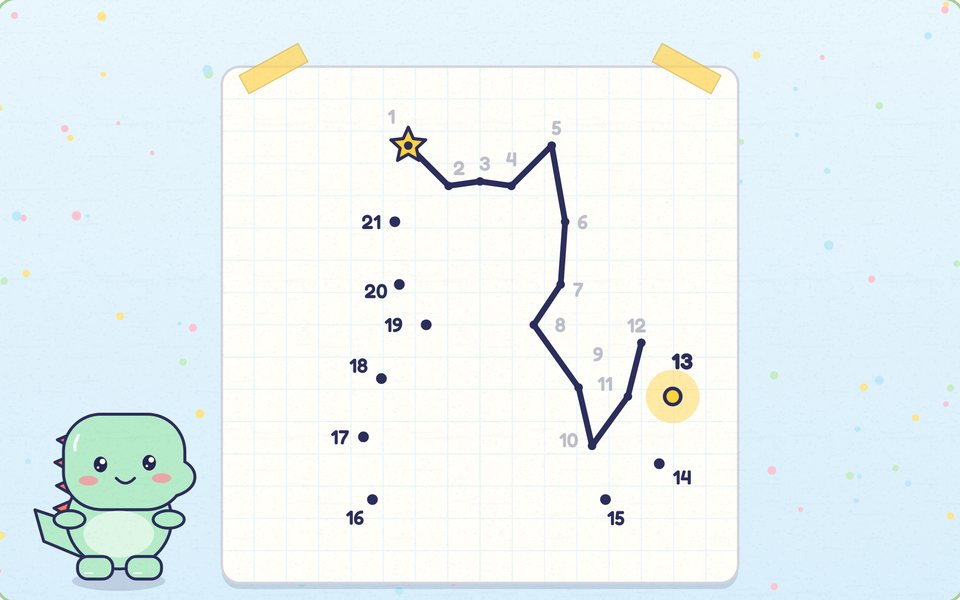
Dot to dot
Join the dots. Find the picture!
Draw · Free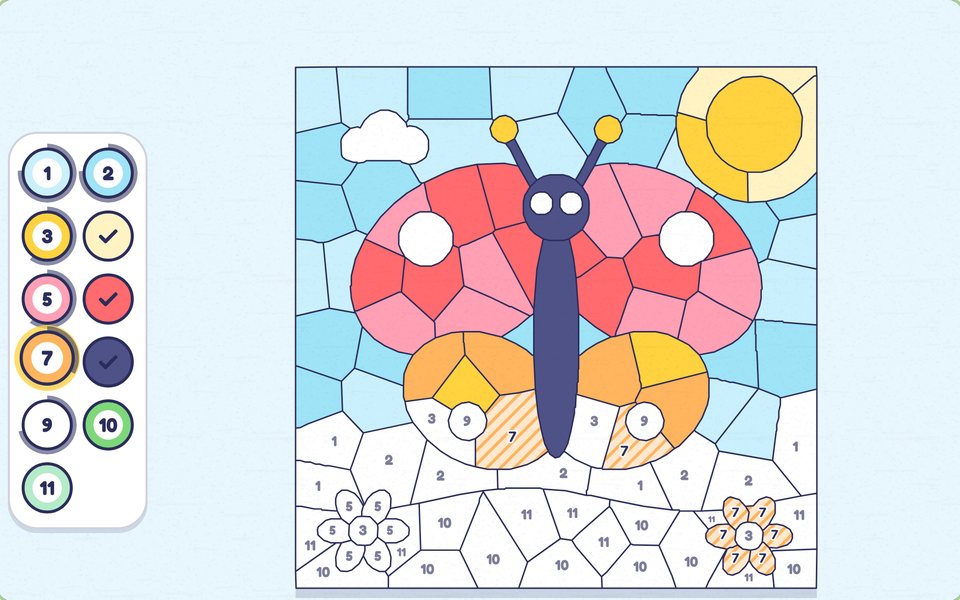
Color by number
Match the numbers. Color it in!
Color · Free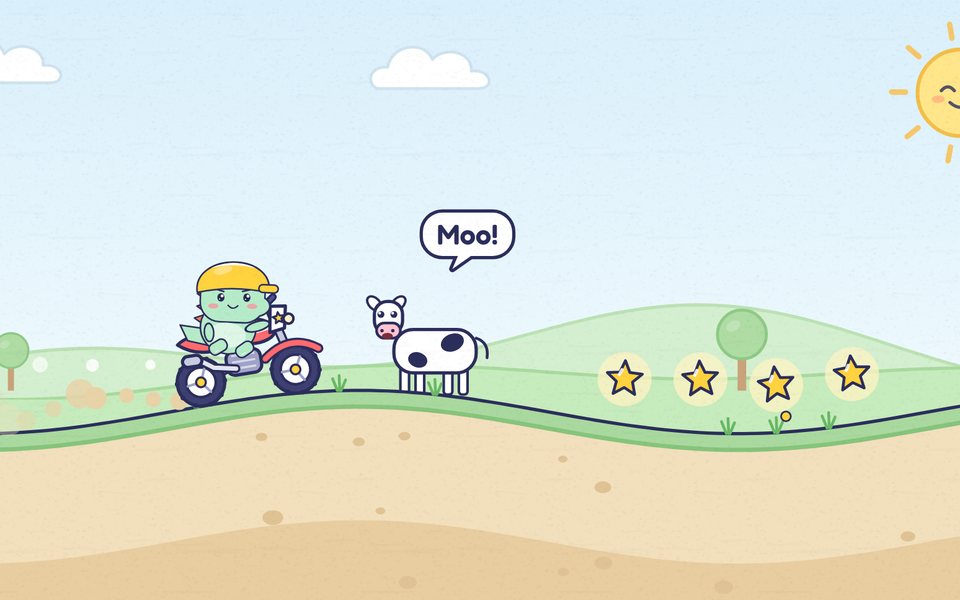
Doodle moto
Hold to go. Tap to flip!
Ride · Free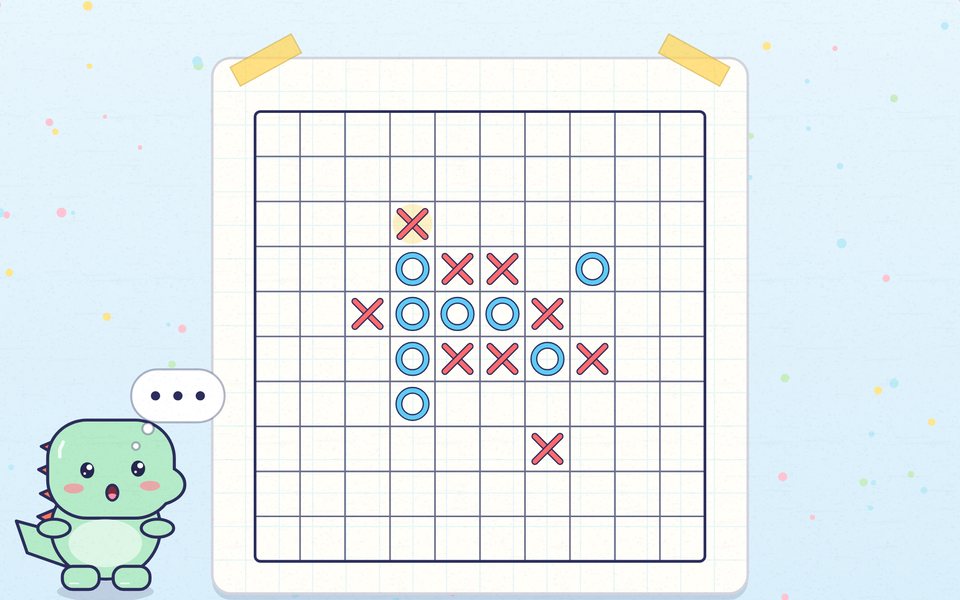
Caro
Get five in a row!
Think · Free
Tic-tac-toe
Three in a row wins!
Think · Free
Doodle badminton
Swing, jump and smash!
Sport · Free
Doodle football
Run, jump, shoot. Goal!
Sport · Free
Doodle splat
Aim, throw and splat!
Throw · Free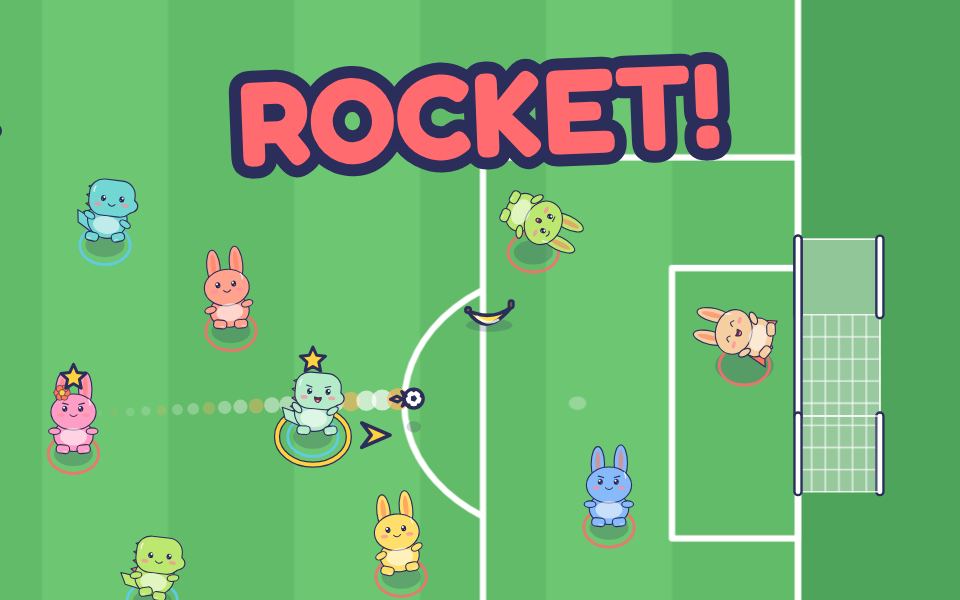
Doodle team football
Pass, shoot, grab gifts!
Sport · Free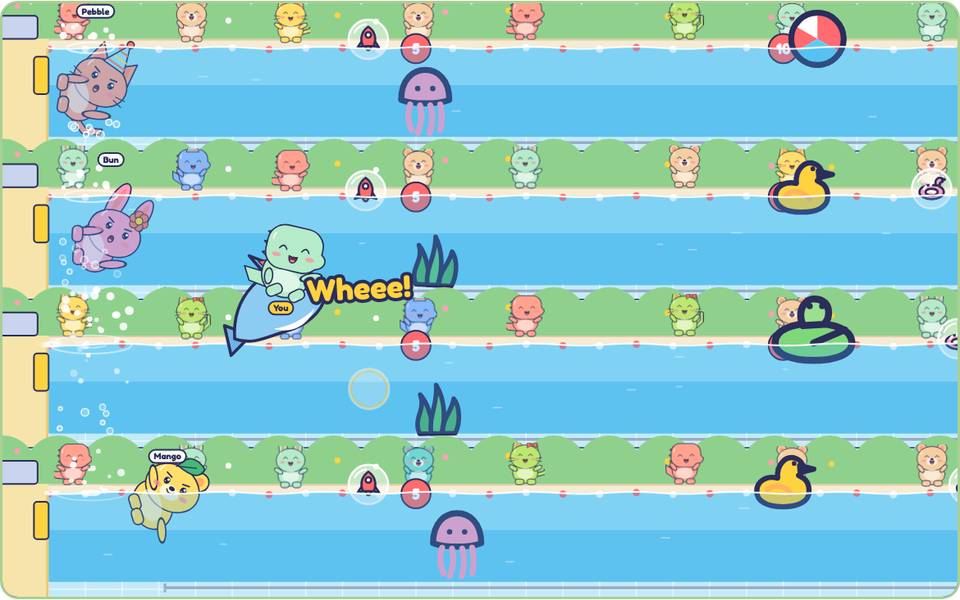
Doodle swim
Race, duck and flip!
Sport · Free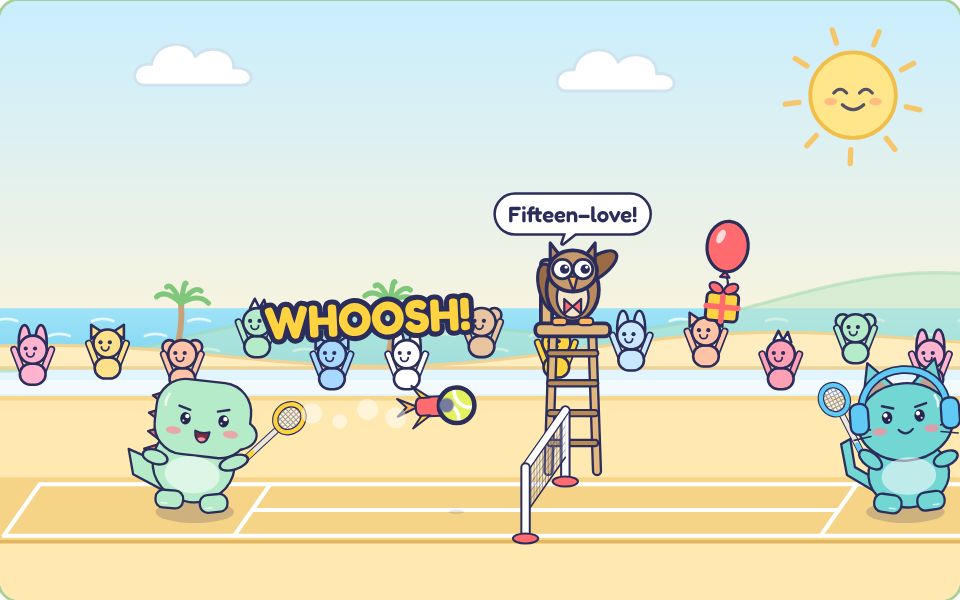
Doodle tennis
Rally, smash, win gifts!
Sport · Free
Little Paper for iPhone and iPad
Drawing, coloring and puzzle games for kids 4 to 8, with Doodle. No ads and no data collected.
See the app’s gamesComing soon to theApp Store