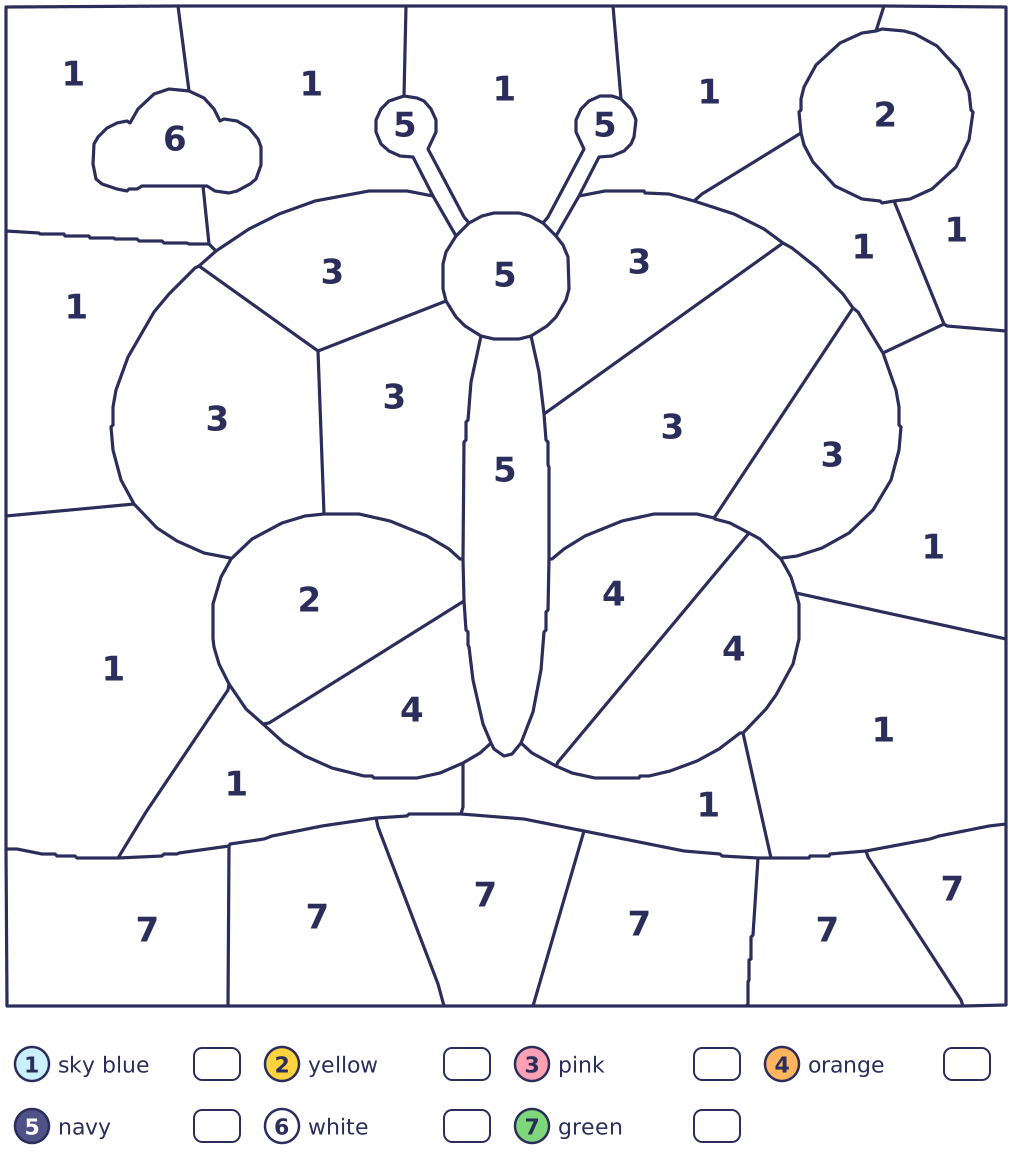
Color by number
Pick a color. Tap its spaces!
Big spaces and a few colors.
Paused
Your butterfly!
103 spaces colored
Pick a color, tap every space with its number, and watch a picture appear piece by piece, like a stained-glass window. There are 9 pictures, from a butterfly to a castle, each in three sizes: a few big spaces for little ones, about a hundred, or hundreds of tiny ones for big kids who like to zoom in.
How to play
Pick a color.
Every color in the palette has a number. Tap one, and its spaces get stripes.
Tap its spaces.
Each striped space fills with color. Zoom in to reach the little ones.
Finish the picture!
When every space is colored, the whole picture fills in again. Print it, or start the next one.
Controls
- Touch
- Tap a color, then tap its spaces. Pinch to zoom in, and drag to look around.
- Mouse
- Click a color, then its spaces. The zoom buttons, a trackpad pinch or Ctrl and the wheel zoom; the wheel moves around once you’re zoomed in.
- Keyboard
- Number keys pick a color (0 is 10). The arrow keys find its spaces, and Enter or Space colors one. + and − zoom. P or Esc pauses.
Helpers
- Stripes
- The color you pick shows as stripes, so its spaces are easy to find, even before the numbers are big enough to read.
- Light bulb
- Finds a space of your color and zooms in if it’s small (H).
- Magic brush
- Colors every space of one color at once, for tired hands (M).
- Undo
- Takes back the last color you put down (U).
Pictures to color
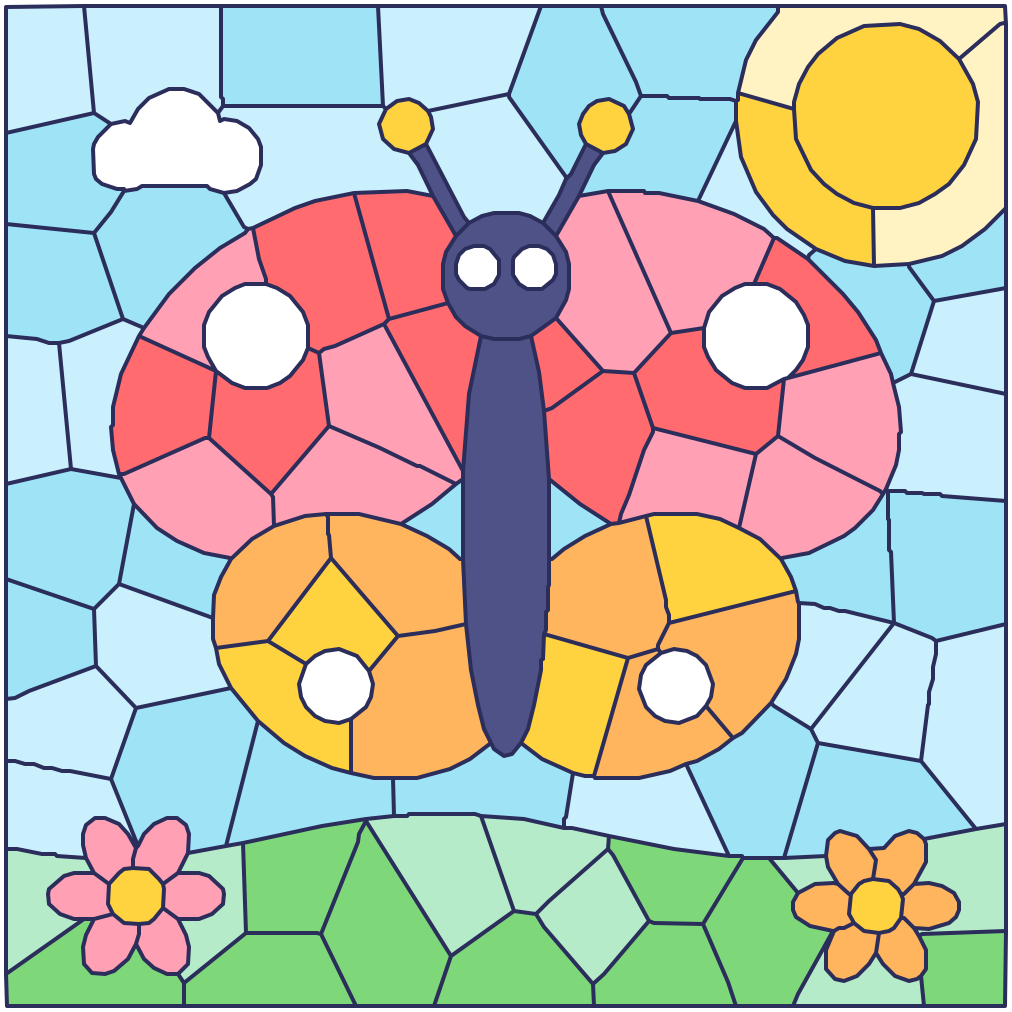
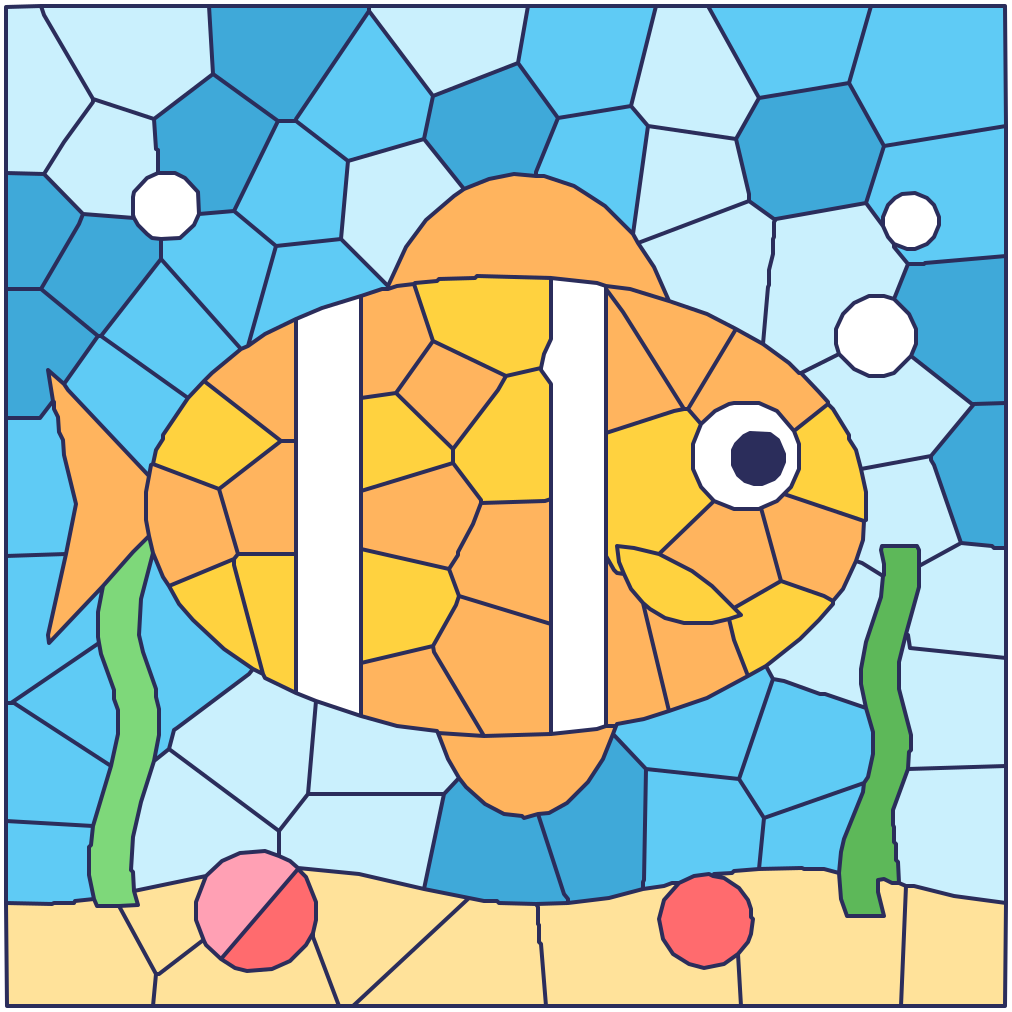
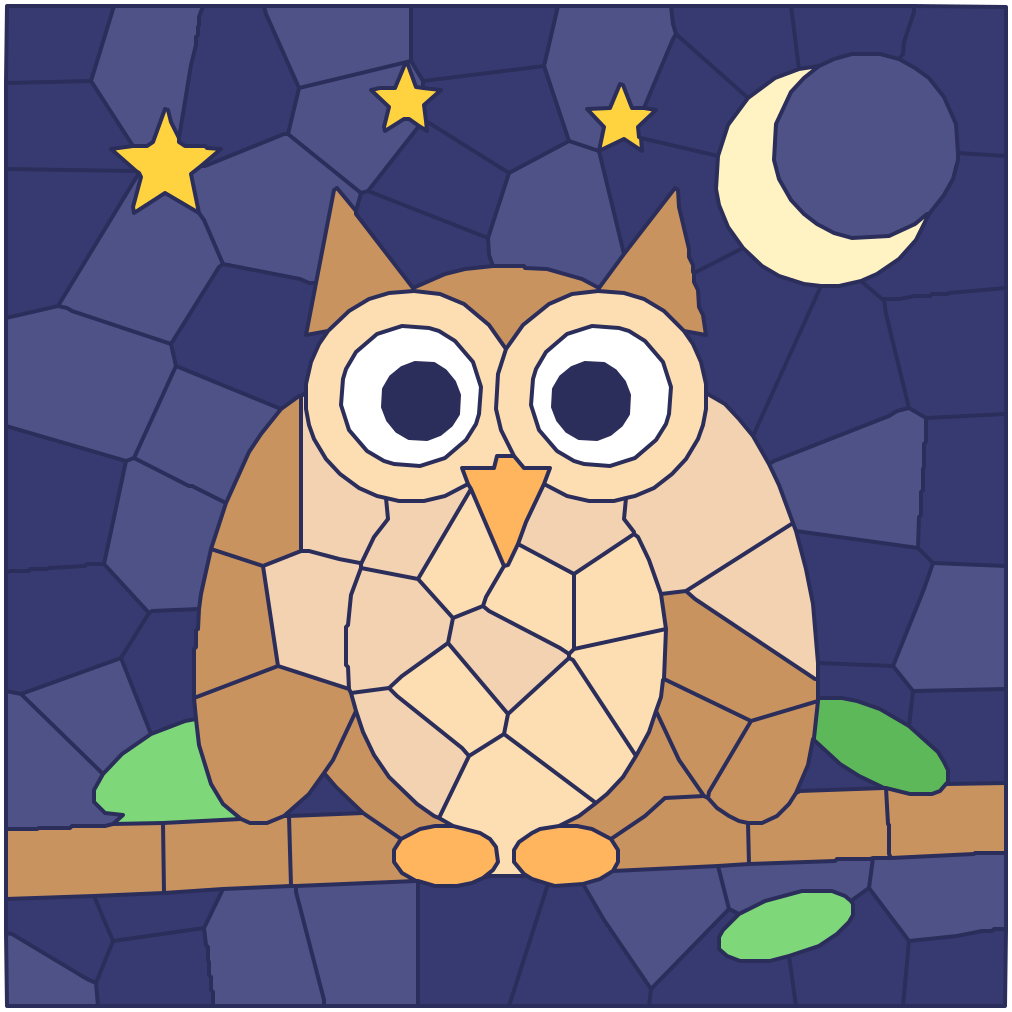

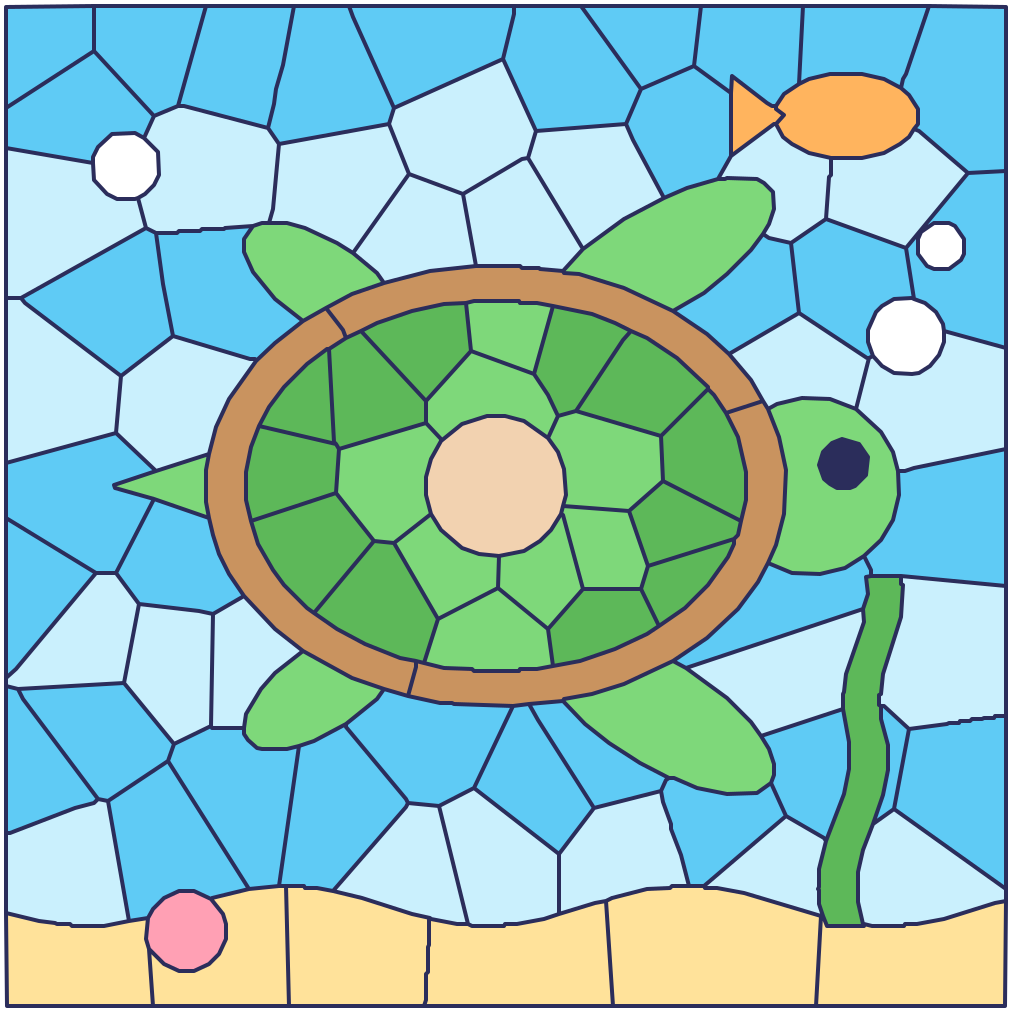
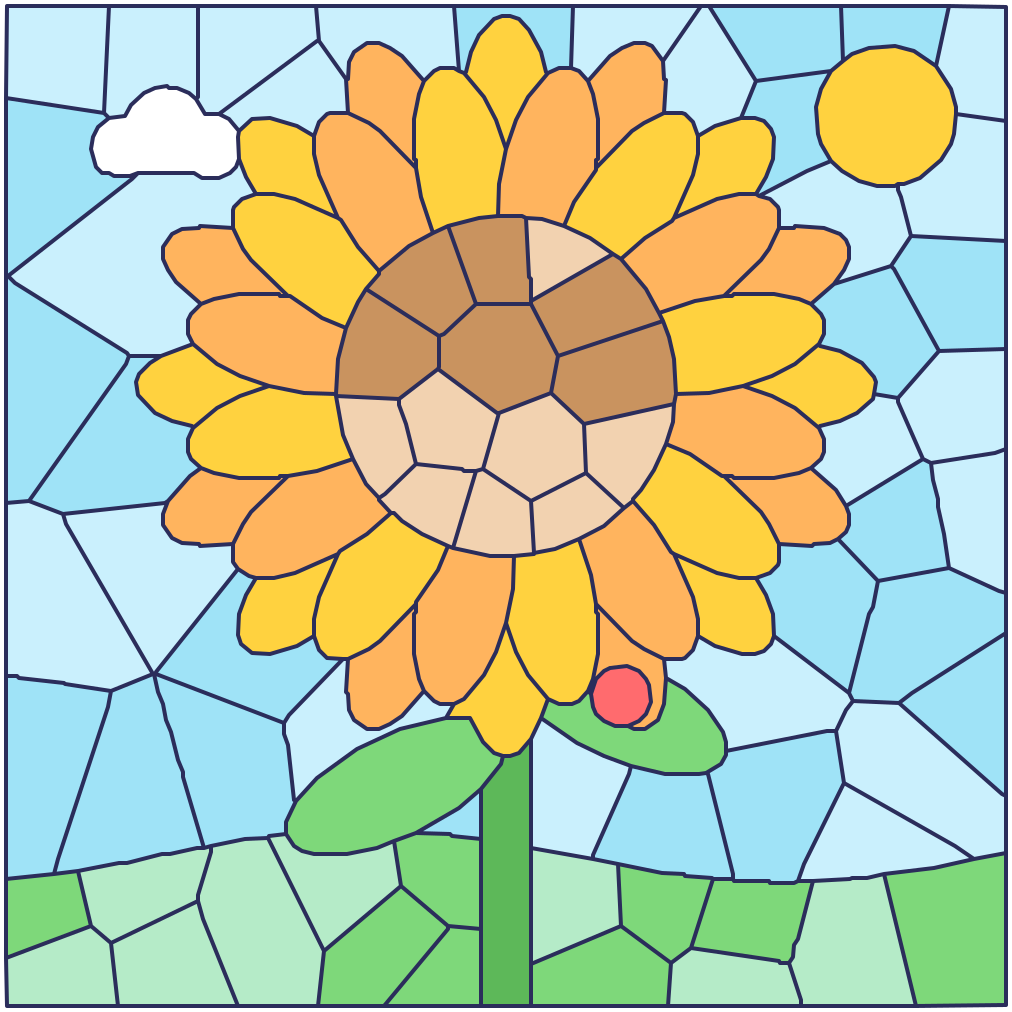
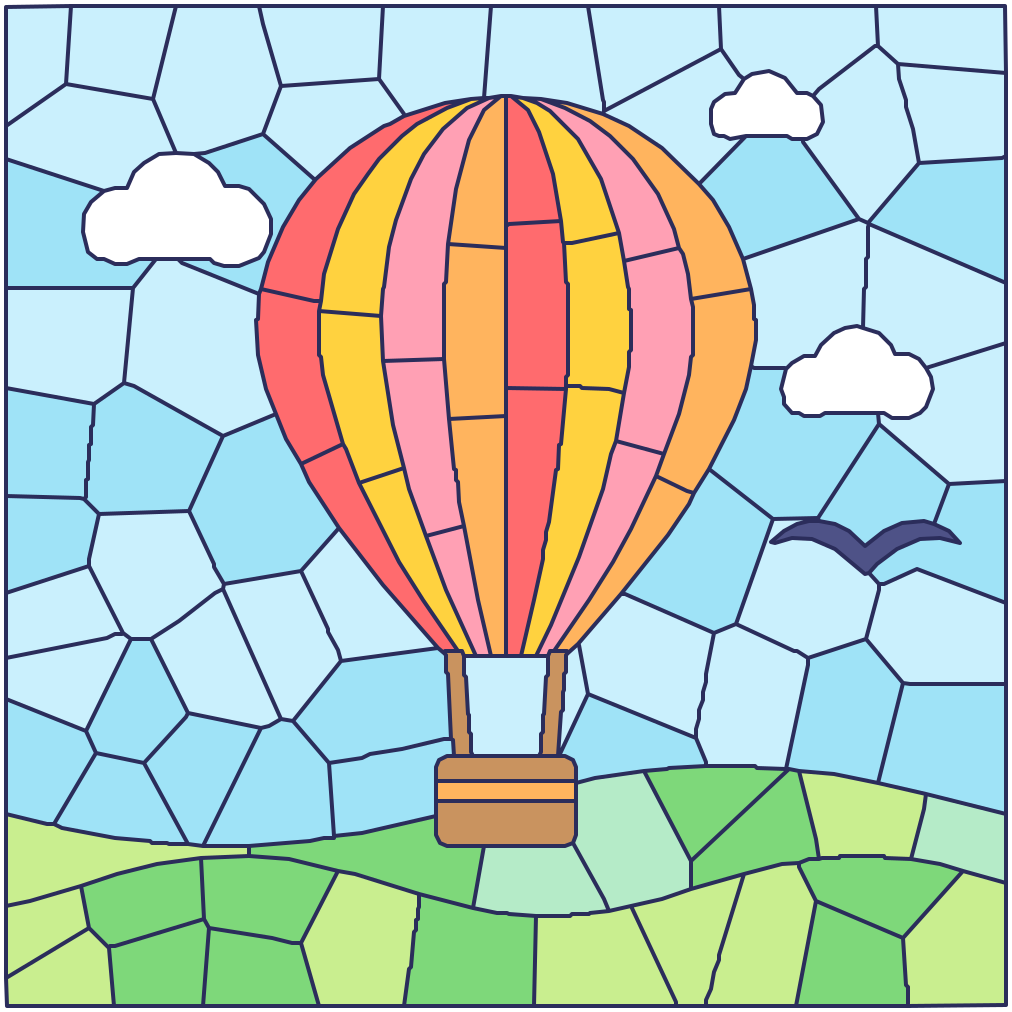
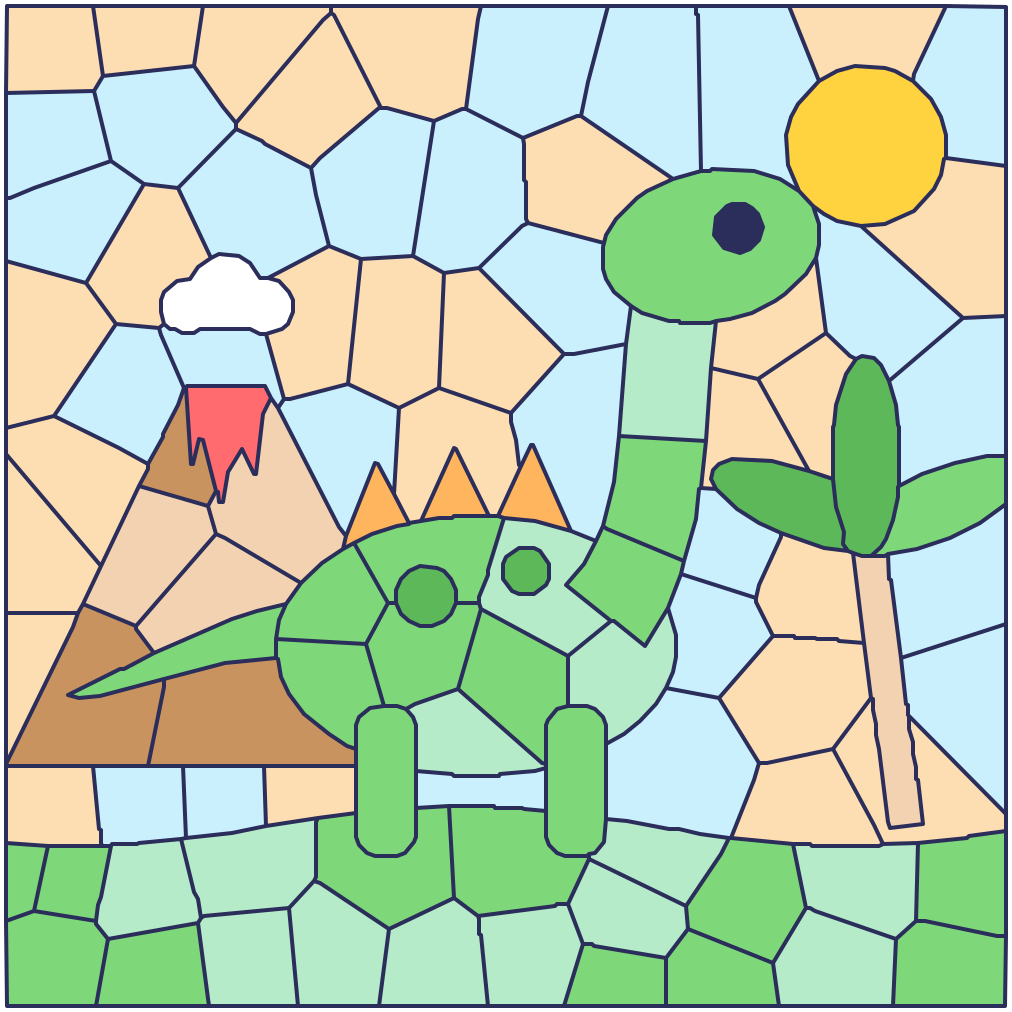
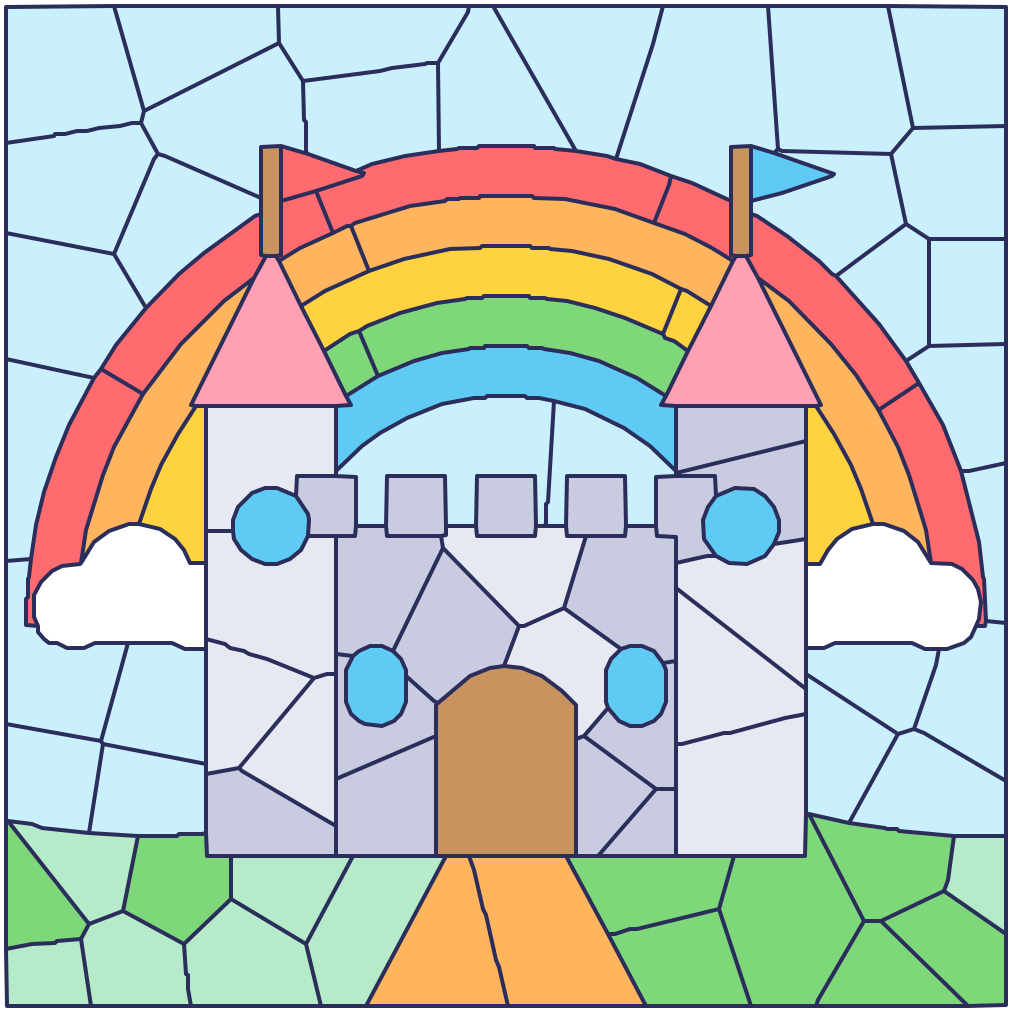
Color by number to print
One from each size, with a color key under the picture. Every picture’s own page has all three sizes.
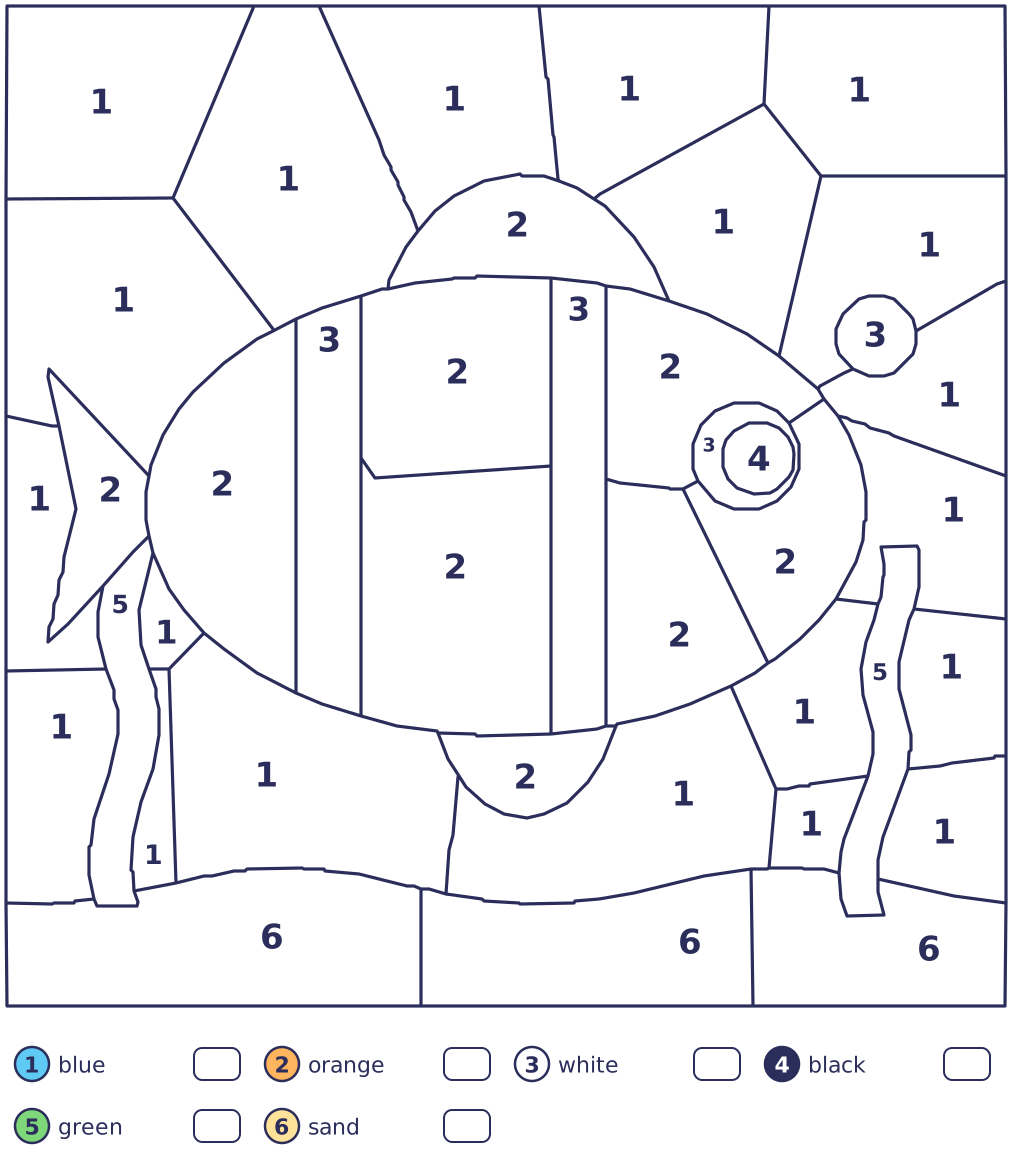
Easy: fish
39 spaces in 6 colors.
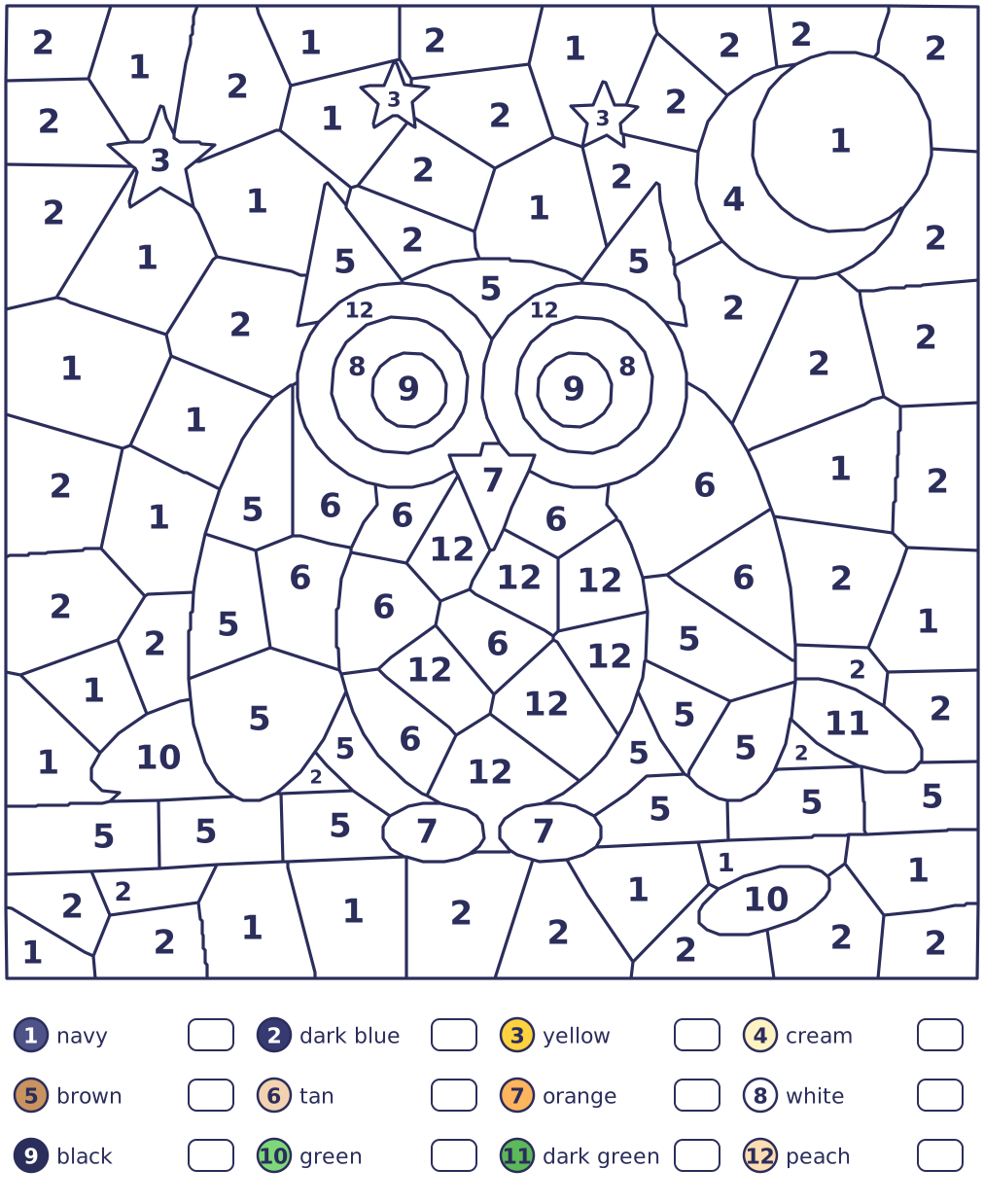
Medium: owl
105 spaces in 12 colors.
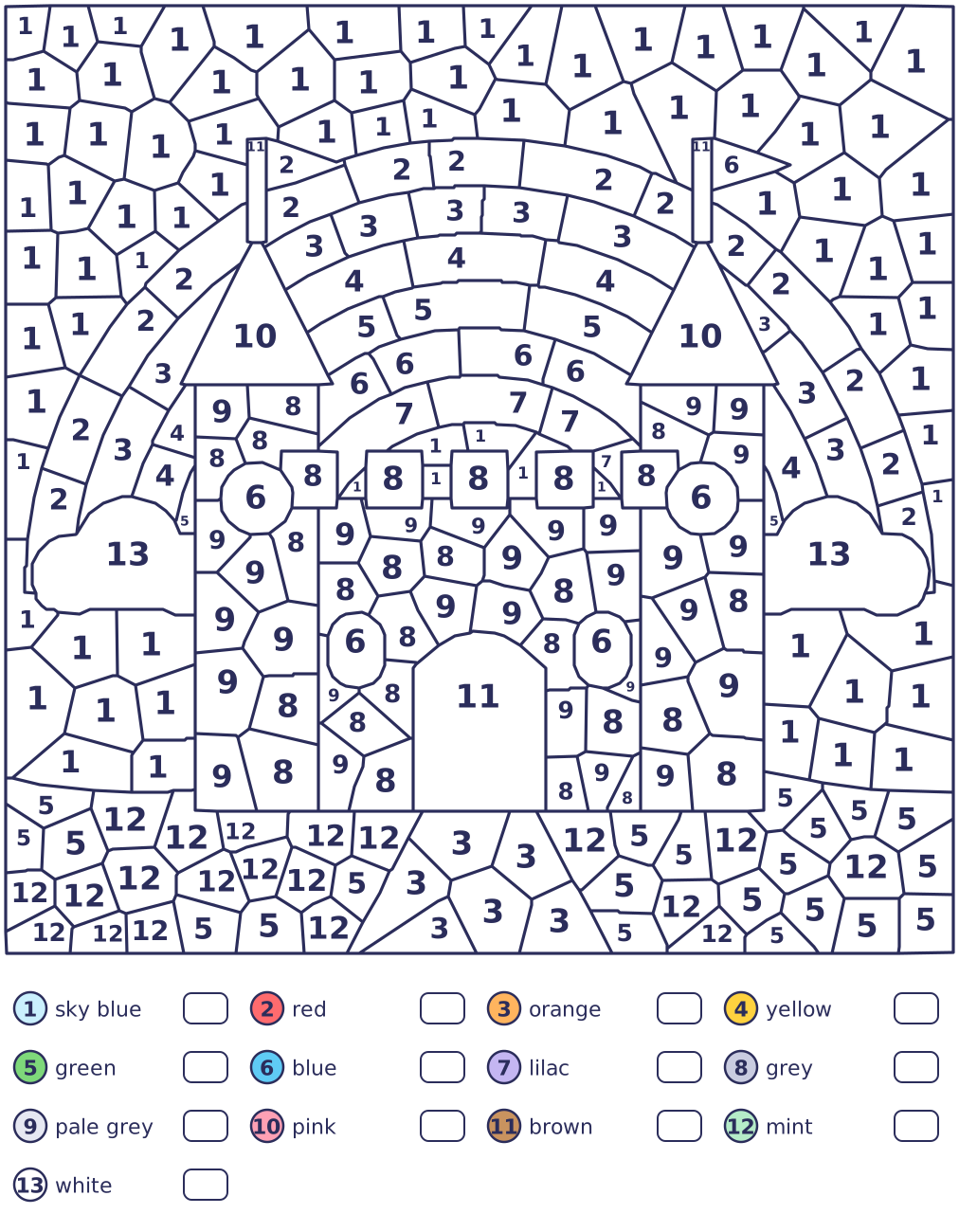
Hard: castle
239 spaces in 13 colors.
What kids practice
- Matching numbers. Finding the number on a swatch, then the same number in the picture, from 1 up to 13.
- Colors and their names. Every color in the key has a name, like peach, lime or navy.
- Careful tapping. Hitting small spaces, and zooming in when they’re too small for a finger.
- Sticking with it. Finishing a picture one space at a time, from a few dozen spaces to a few hundred.
For grown-ups
Color by number has no ads, no accounts and no trackers. Progress is kept only in this browser on this device. Sound stays off until your child turns it on with the speaker button. A wrong tap never counts against anyone: the space’s number just wiggles, and the color it needs bounces in the palette.
The pictures are drawn for this site and cut into spaces the same way every time, so a printed sheet always matches the picture on screen. Love coloring? The Little Paper app’s Coloring book has 48 original pictures to color.
Questions
Is Color by number free?
Yes. All 9 pictures, in all three sizes, are free to play in the browser and to print, with no ads, no sign-up and nothing to download.
Which size is right for my child?
Easy pictures have 34 to 45 big spaces in 6 to 8 colors, a good start at about age 4. Medium has 101 to 114 spaces for ages 5 and 6, and Hard has 235 to 288 small ones for ages 7 and 8, best with zooming in or on a big screen.
Can I print the pictures?
Yes. The printer button above the game prints the picture on screen, with the spaces already colored filled in; a finished picture prints in full color. Every picture’s own page has its sheets in all three sizes. The color key on each sheet names every color and has a box to color in, so it works on a black-and-white printer too.
Is my child’s coloring saved?
Yes, on this device. Each picture remembers the spaces colored so far, in this browser only, so a half-finished picture is waiting next time. Nothing is sent anywhere.
More to play
Doodle dino run
Jump the rocks. Grab the stars!
Run · Free
Mazes
Draw a path to the star.
Draw · Free
Dot to dot
Join the dots. Find the picture!
Draw · Free
Doodle moto
Hold to go. Tap to flip!
Ride · Free
Caro
Get five in a row!
Think · Free
Tic-tac-toe
Three in a row wins!
Think · Free
Doodle badminton
Swing, jump and smash!
Sport · Free
Doodle football
Run, jump, shoot. Goal!
Sport · Free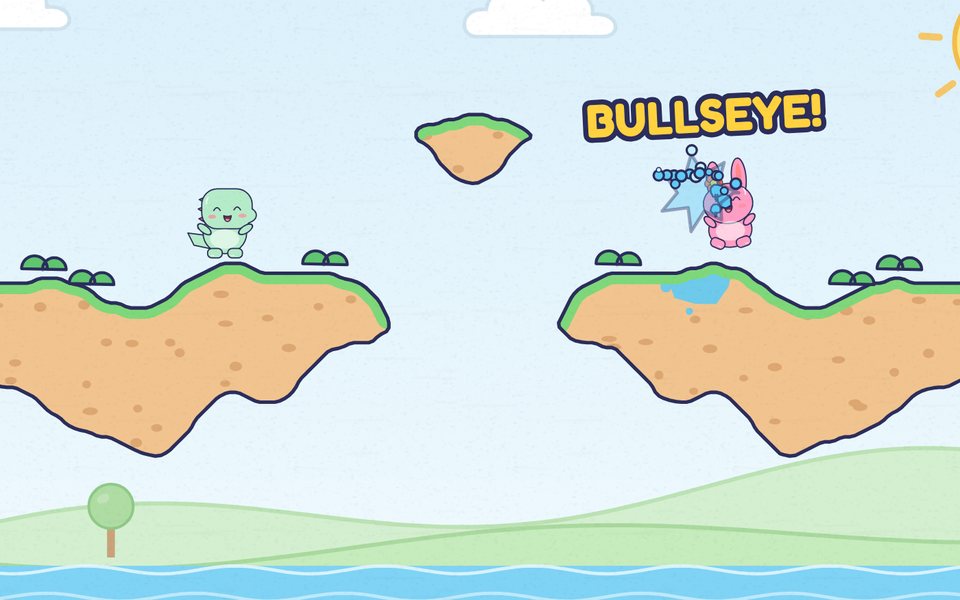
Doodle splat
Aim, throw and splat!
Throw · Free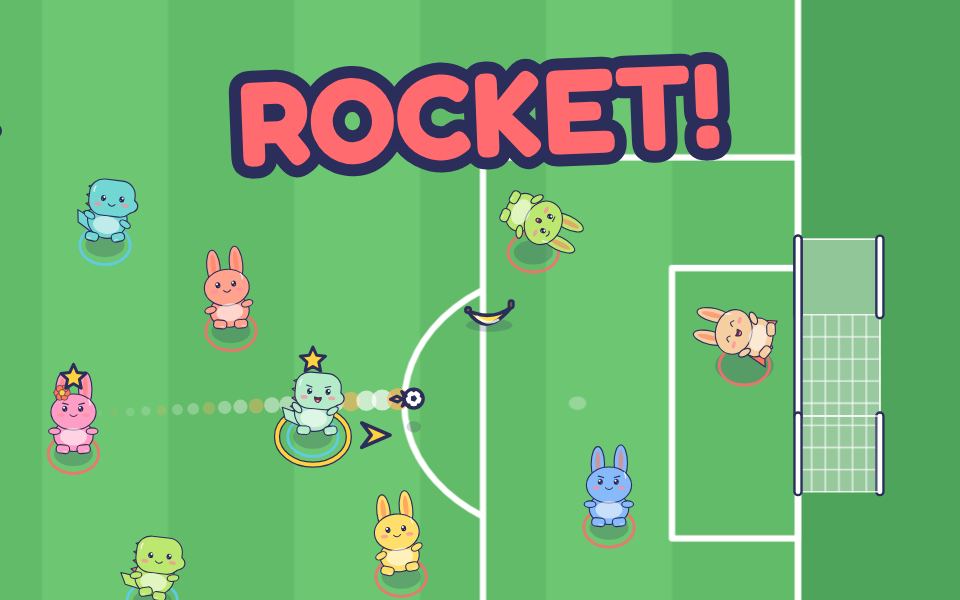
Doodle team football
Pass, shoot, grab gifts!
Sport · Free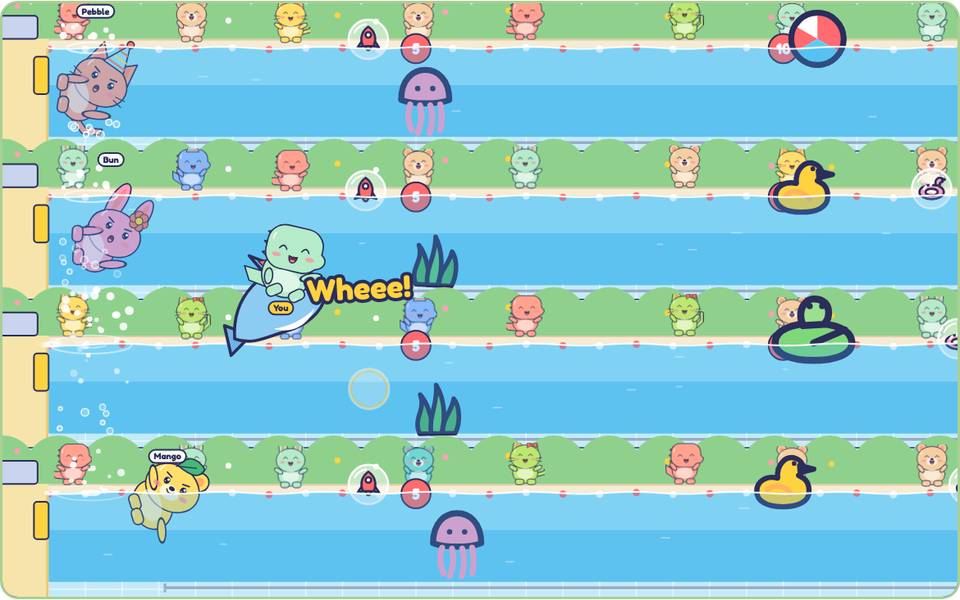
Doodle swim
Race, duck and flip!
Sport · Free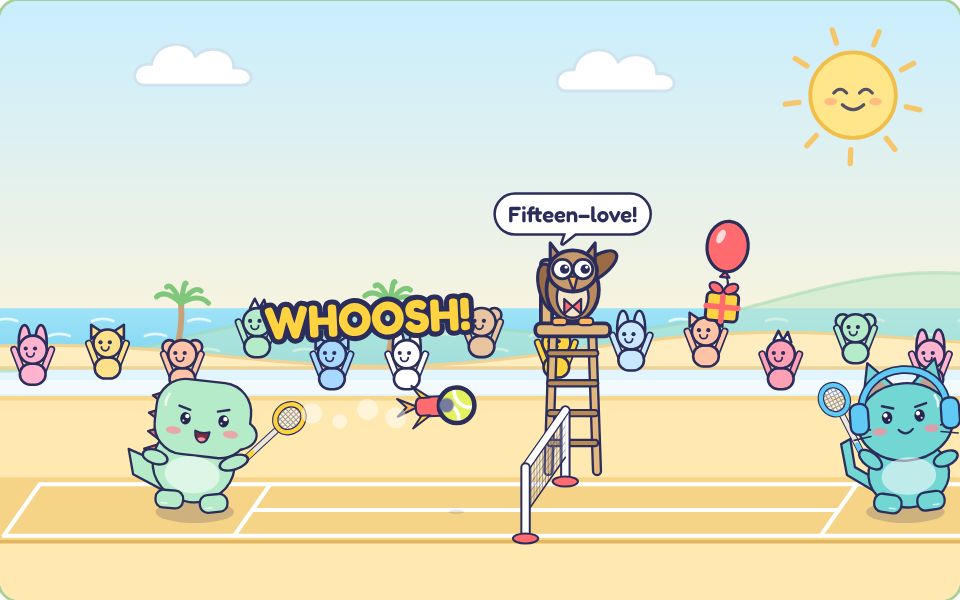
Doodle tennis
Rally, smash, win gifts!
Sport · Free
Little Paper for iPhone and iPad
Drawing, coloring and puzzle games for kids 4 to 8, with Doodle. No ads and no data collected.
See the app’s gamesComing soon to theApp Store