A free game can save a rainy afternoon. But free often means the game is paid for some other way: ads between levels, a sign-up that asks for an email, or information that goes to other companies. This guide is a checklist for choosing free online games for a young child, a quick way to check a site before your child plays, and how the games on this site measure up.
The checklist
No ads or pop-ups
Young children tap what they see, and an ad can take them out of the game and somewhere you didn’t choose. Look for no ads at all, rather than “fewer ads”. Watch for ads that look like part of the game, such as a big button that opens something else.
No sign-up
A game for a 4- to 8-year-old shouldn’t need a name, email address, birthday or password. If a site asks for one, find out why before you type anything in.
No chat with strangers
Chat, friend requests and online matches with people you don’t know aren’t needed at this age. Two players on one screen, side by side, is plenty.
No personal data collected
The site shouldn’t collect personal information or track your child for advertising. In the United States, the FTC’s guide to protecting your child’s privacy online explains COPPA, the law that says sites for children under 13 must get a parent’s consent before collecting personal information from a child. The same guide suggests reading the privacy policy to see what is collected, whether it’s shared with other companies or used for ads, and how to contact the site.
Nothing to buy, nothing to install
No coins to buy, no levels that cost money, and nothing to download. A browser game should play in the browser.
Sound off to start
A game that starts silent lets you choose when sound is welcome, such as at home but not in a waiting room.
No pull to come back
Streaks, daily prizes and notifications are there to bring a child back. A good game is fun without them, and it’s fine to skip one that leans on them.
Clear grown-up information
You should be able to find who made the game, how to reach them, and a privacy page in plain words.
How to check a site in a few minutes
- Play the first minute yourself. Does an ad play before the game? Does a window pop up? Does it ask for a name, email or birthday, or ask you to sign in?
- Find the privacy page. It’s usually linked at the bottom of the page. Look for words like “advertising”, “partners”, “third parties” and “analytics”. A short page that says plainly what’s collected is a good sign.
- Read the cookie banner, if there is one. If it asks you to accept cookies for advertising, or from a list of partners, other companies are involved.
- See what the site keeps. In Chrome on a computer, select View site information at the left of the address bar, then Cookies and site data (Google’s steps). For curious grown-ups, the Network tab in a browser’s developer tools lists every request a page makes, and where it goes.
- Check the two-player mode. If a game says “play with friends”, find out whether that means on the same screen or online with anyone.
How this site measures up
We hold the web games on this site to the same list. Everything here is also in our privacy policy:
- No ads. None at all, and no pop-up windows.
- No sign-up. There are no accounts. Pick a game and play.
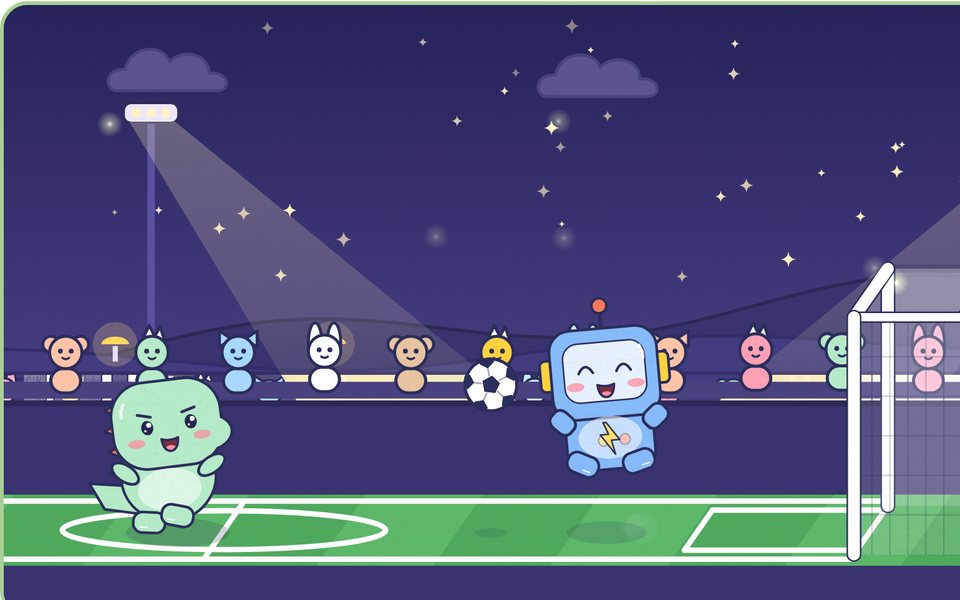
- No chat. The two-player games, like Doodle football, are for two people on one screen. There’s no online play.
- No data collected. The site sets no cookies of its own and has no analytics, ad or social trackers. Fonts, pictures and everything else come from our own domain.
- Scores stay on your device. Best scores, progress and the sound setting stay in your browser’s local storage, and they’re never sent to us. Clearing this site’s data in your browser removes them.
- Nothing to buy or install. Every web game is free and plays in the browser.
- Sound off. Each game is silent until you or your child press the speaker button, and it remembers that choice in this browser.
- No streaks or notifications. There are no prizes for coming back, and the site never sends notifications.
- Pages for grown-ups. Help and support, the terms and the privacy policy are written in plain words, with a way to reach us.
One more thing to know. Like any website, ours is delivered by a host, Cloudflare, which sees basic request data, such as your IP address and browser type, to deliver the pages and protect them from abuse. If you try step 4 above on this site, the list stays short: what the games save in your browser after you play (and your light or dark mode choice), and at most a short-lived security cookie Cloudflare may set if its checks need to tell a person from a bot. The privacy policy explains both.
Why our games are free
The games are how families find Little Paper, our drawing and puzzle app for iPhone and iPad, which is coming soon to the App Store. Each game page has a card about the app, and that’s the only thing we promote. The app follows the same rules: no ads, no accounts, and drawings that stay on the device.
Three to start with
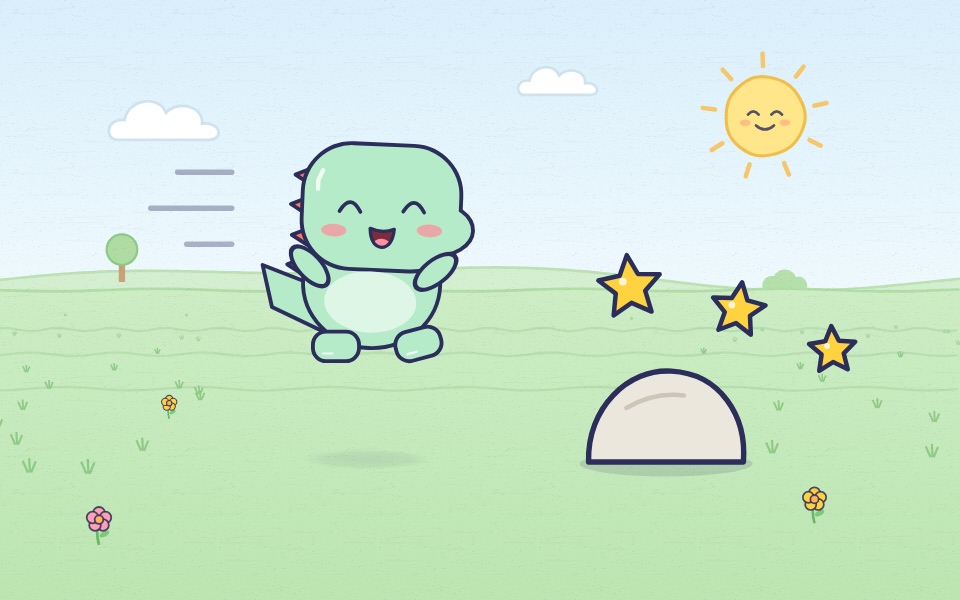
- Doodle dino run: tap to jump rocks and puddles and grab the stars, and hold for a bigger jump.
- Mazes: draw a path from Doodle to the star, in easy, medium and hard, on screen or printed with the answers.
- Doodle football: head the ball and fire a super shot past four rivals, from slow, friendly Bun to Bolt the champion, or play a friend.
Choosing good games is one part of a family screen time plan. If your child plays on an iPad, our guide to setting up an iPad for a young child covers Guided Access, Screen Time and purchases.
The checklist on one page
- No ads and no pop-ups.
- No sign-up, and no chat with strangers.
- No personal data collected, and a privacy page in plain words.
- Nothing to buy or install.
- Sound off to start.
- No streaks or notifications.
- Clear information on who made it and how to reach them.