Draw, color and play with Doodle
Little Paper is a drawing and puzzle app for kids 4 to 8, on iPhone and iPad. Here Doodle levels up and shows off: he breathes fire, jumps a ramp on his motorbike, rides a roller coaster and reaches the top level.

Every toy in the app
Four drawing toys and seven games with hundreds of levels. Every game starts easy and adds one new twist at a time.
- Free drawingArt studio
- 26 letter adventuresColor ABC
- 48 coloring pagesColoring book
- 16 pictures to paintEggsy pop
- Show, dance, paradePaper theater
- 8 places, 8 color gamesColor safari
- 50 challengesFill the tank
- 60 adventuresDrawbridge trail
- 60 adventuresSnack swing
- 36 roads, 4 carsDoodle rally
- Magic drawingMirror magic
Play in your browser
13 free games made just for this site, starring Doodle. No ads, no sign-up, on any tablet, phone or computer.
Draw and puzzle
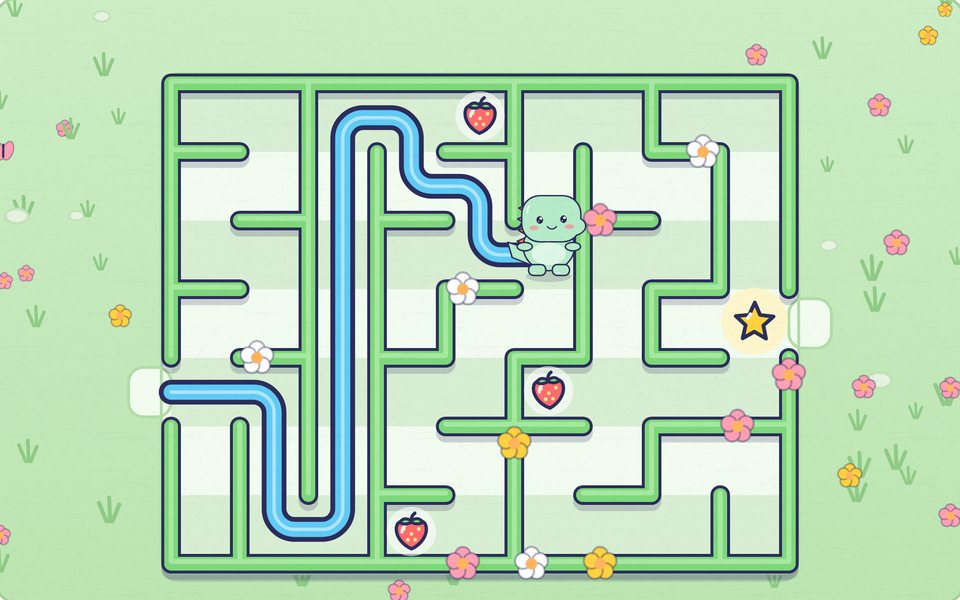
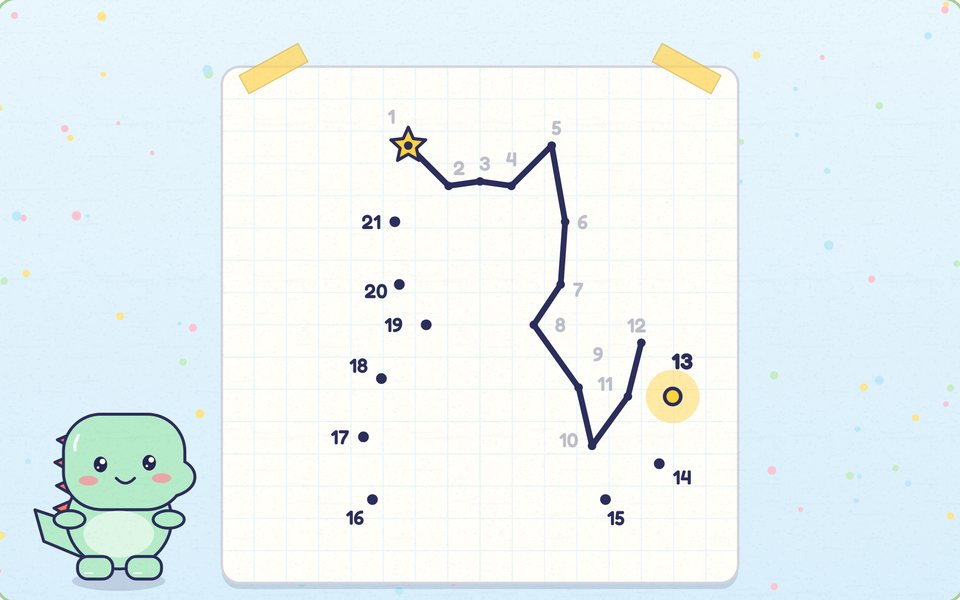
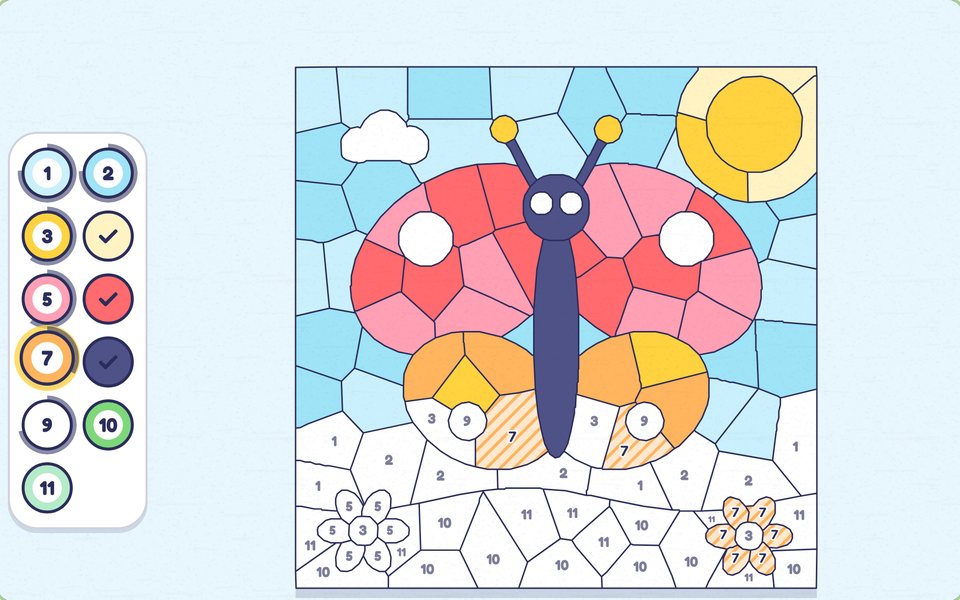
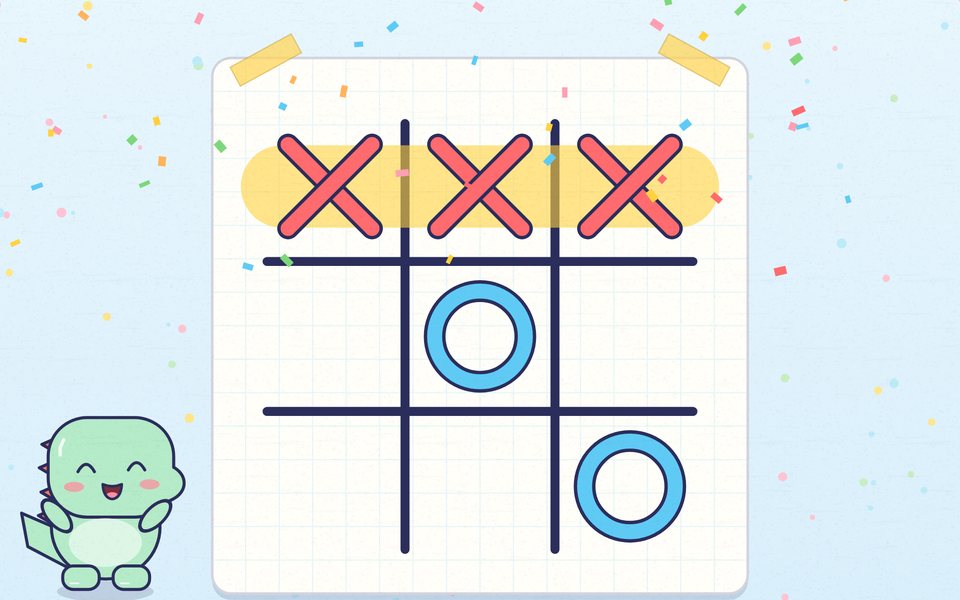
Trace, join and color!
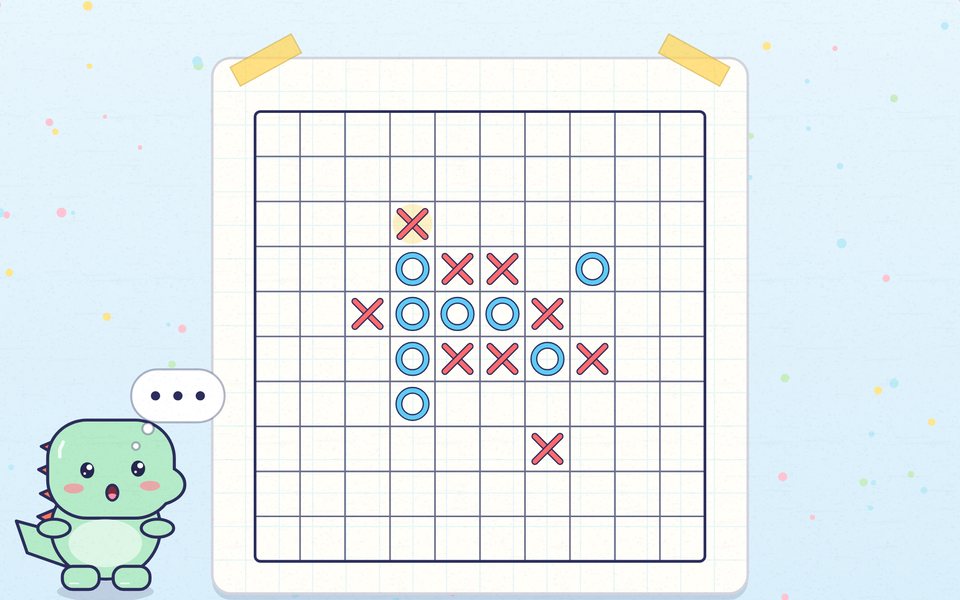
Think
Plan your next move!
Sports
Run, swim and score!
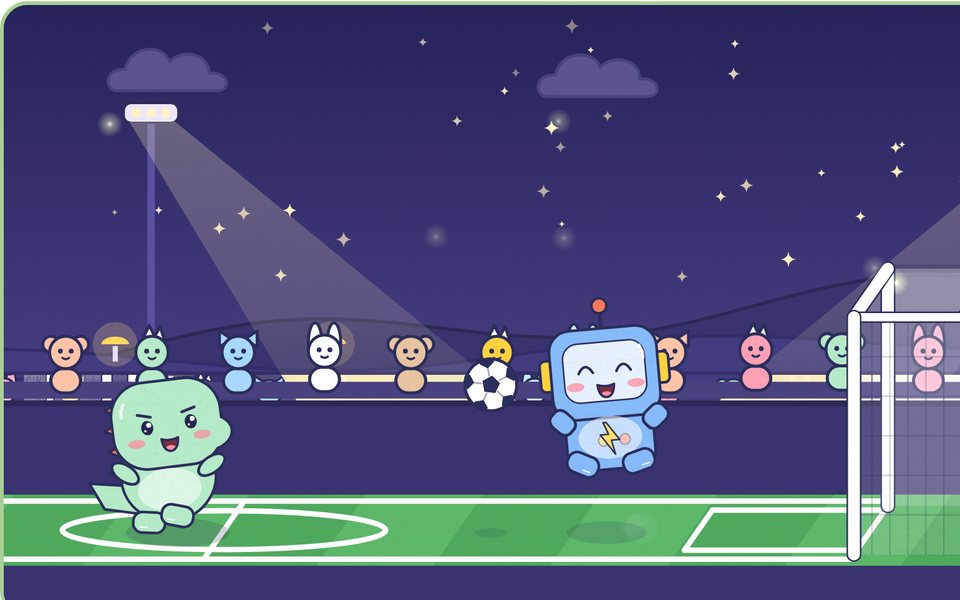
Doodle football
Run, jump, shoot. Goal!
Sport · Free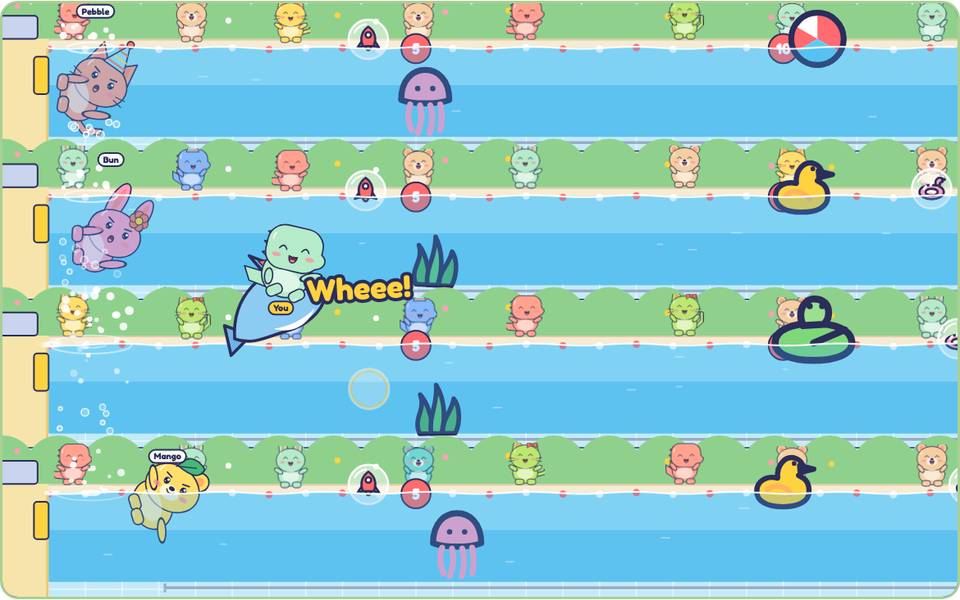
Doodle swim
Race, duck and flip!
Sport · Free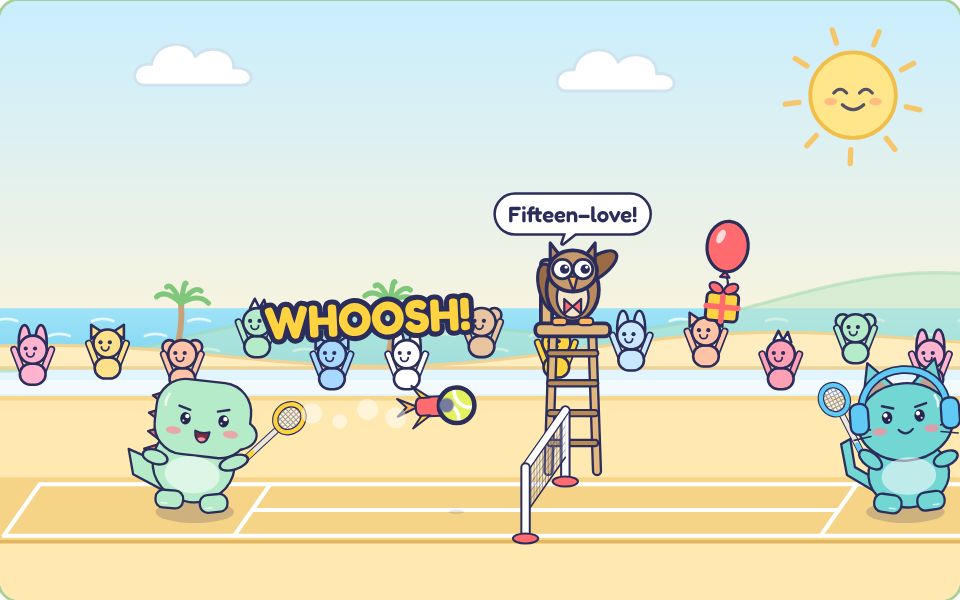
Doodle tennis
Rally, smash, win gifts!
Sport · Free
Action
Jump, ride and throw!
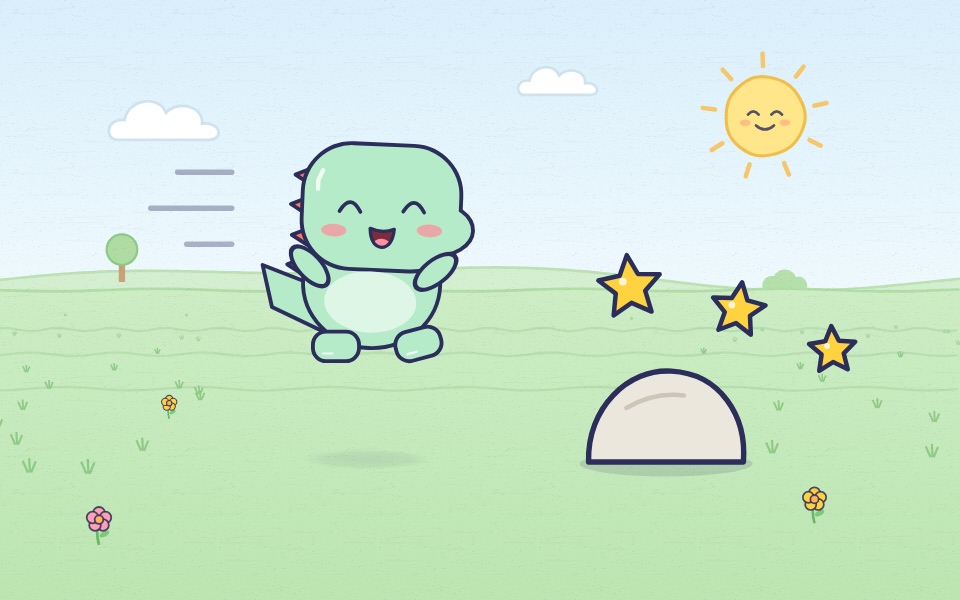
Doodle dino run
Jump the rocks. Grab the stars!
Run · Free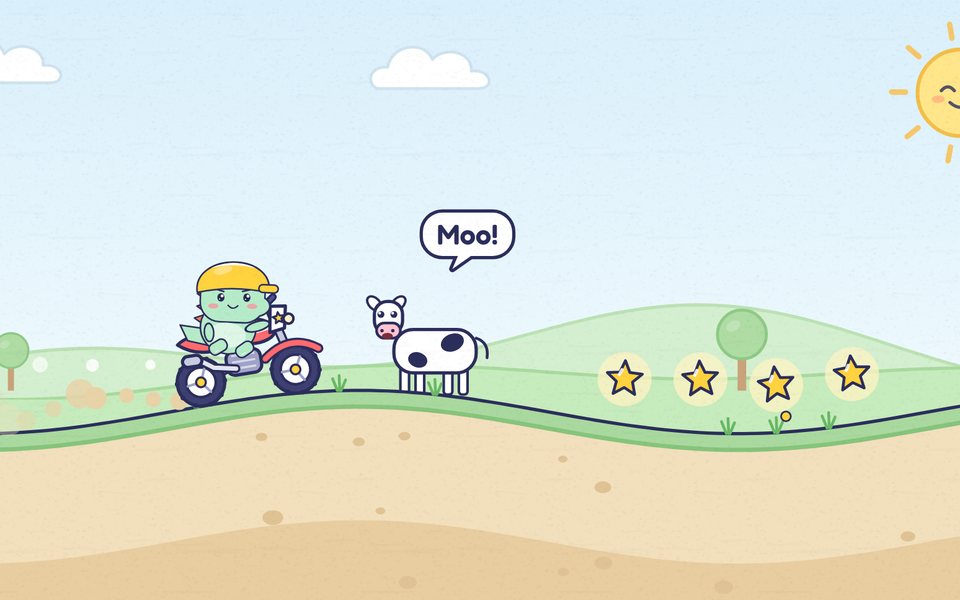
Doodle moto
Hold to go. Tap to flip!
Ride · Free
For grown-ups
Made for kids 4 to 8, and for the grown-ups who hand them the tablet. Here is what you can count on.
No ads, ever
Nothing to tap by accident. Little Paper shows no ads, and the few links out of the app sit behind a grown-up check.
No accounts
Kids open the app and play. No name, birthday, email or photo is needed, and there is no profile to fill in.
Nothing collected
No analytics, no camera, no microphone and no server of ours. Drawings and progress stay on your device.
A grown-up check
Settings, sharing and purchases open after a quick math question, and lock again after 90 idle seconds.
Calm by design
Big buttons, few words and short sounds. Calmer effects softens motion and sound for children who need it.
13 languages
From English and Vietnamese to Japanese and Indonesian. Switch any time in Grown-ups; the app changes on the spot.
What kids practice
Colors
Finding, sorting and mixing colors across eight color games, then filling 48 coloring pages.
Drawing
Crayons, paint, glitter and stamps on a big blank page, and symmetry with a mirror that copies every line.
Planning
Draw ramps for water, a road for a rolling seed or wheels for a car, then watch what happens and try again.
Timing
Snip a rope at just the right moment, or aim and let go to match three eggs.
Free to start, Pro if you want more
The download is free, and so are every drawing toy, the first world of every game and the starter coloring pages. Little Paper Pro is optional: it opens every level and all 48 coloring pages. It is bought through Apple behind the grown-up check, works with Family Sharing and restores on a new device.
Screen time, made easy
Set a break reminder
Grown-ups › Play can show a gentle reminder after 10, 20 or 30 minutes. It waits on the home shelf and never interrupts a drawing or a game.
Keep the iPad in one app
Turn on Apple’s Guided Access before you hand it over, so little fingers stay in Little Paper. Grown-ups › Help links to Apple’s steps.
Watch the first level together
Fill the tank, Drawbridge trail and Snack swing show their first level with a moving hand. Watch it once with your child, then let them lead.
Take it on the road
Everything works without the internet, so it plays on a plane or in the car. For the table, print a maze or a dot to dot from this site.
Questions
What parents ask before they hand over the tablet.
About the app
Which ages is Little Paper for?
Kids 4 to 8. The drawing toys suit younger children too, and the later game levels give older kids a real puzzle.
Which devices does it run on?
iPhone and iPad with iOS 17 or later, held sideways. Apple Pencil works in the drawing toys.
Does my child need to read?
No. Buttons use pictures and very few words, the drawing puzzles show their first level with a moving hand, and Color ABC can say each letter out loud.
Does it work without the internet?
Yes. Everything lives on the device, so it plays on a plane or in the car. Only buying Little Paper Pro needs a connection.
Which languages is it in?
13: English, Vietnamese, Spanish, French, German, Italian, Brazilian Portuguese, Russian, Japanese, Korean, Simplified Chinese, Traditional Chinese and Indonesian. Switch in Grown-ups and the app changes on the spot, with no restart.
Is there an Android version?
Not yet. Little Paper is made for iPhone and iPad. The web games on this site play on any phone, tablet or computer.
When can we get it?
Little Paper is coming soon to the App Store for iPhone and iPad.
Safety and privacy
Is my child’s data safe?
We don’t collect any. There are no accounts, ads or analytics, no camera or microphone, and no server of ours. Drawings stay on your device unless a grown-up chooses to share them.
Are there ads or links out of the app?
No ads, ever. The few links that leave the app, such as Apple’s help pages, sit behind the grown-up check.
What is the grown-up check?
A quick math question that keeps settings, sharing and purchases apart from play. It locks again when you leave the app, close Grown-ups or after 90 idle seconds.
Where are drawings saved?
On your device, automatically as your child draws. There is no cloud account; normal device backups may include them. A grown-up can share a still copy from Grown-ups.
Cost and Pro
What does it cost?
The download is free. The drawing toys and the first world of every game stay free. Little Paper Pro is an optional purchase that opens every level and coloring page; the App Store shows the price in your country.
Does Pro work with Family Sharing?
Yes. Pro is bought through Apple and can be shared with your family. If Ask to Buy is on, it opens once the family organizer approves.
We have a new iPad. How do we get Pro back?
Open Grown-ups › Pro and restore. Apple checks the purchase; Little Paper never sees any payment details.
Web games
Are the web games the same as the app?
No. They are new games made just for this site, with the same Doodle and the same paper look.
Are the web games free and safe?
Yes. They are free, with no ads, no sign-up and no trackers. Scores stay in this browser on this device, and sound stays off until your child turns it on.
Can we print them?
Yes. Mazes print with their answers, dot to dots print with a picture to color, and color by number pictures print with their color key.